 2b8dc3c4cc
Signed-off-by: Joas Schilling <coding@schilljs.com> |
||
|---|---|---|
| .github/workflows | ||
| .tx | ||
| appinfo | ||
| css | ||
| docs | ||
| img | ||
| js | ||
| l10n | ||
| lib | ||
| templates | ||
| tests | ||
| .gitignore | ||
| .php_cs.dist | ||
| AUTHORS.md | ||
| CHANGELOG.md | ||
| COPYING | ||
| Makefile | ||
| README.md | ||
| TESTING.md | ||
| composer.json | ||
| composer.lock | ||
| issue_template.md | ||
README.md
Registration
This app allows users to register a new account.
Install from appstore
From your Nextcloud instance, click: your profile to the upper right -> Apps -> Tools (in the left column), find Registration, click Enable
Features
- Add users to a given group
- Allow-list with email domains (including wildcard) to register with
- Admins will be notified via email for new user creation or require approval
- Supports Nextcloud's Client Login Flow v1 and v2 - allowing registration in the mobile Apps and Desktop clients
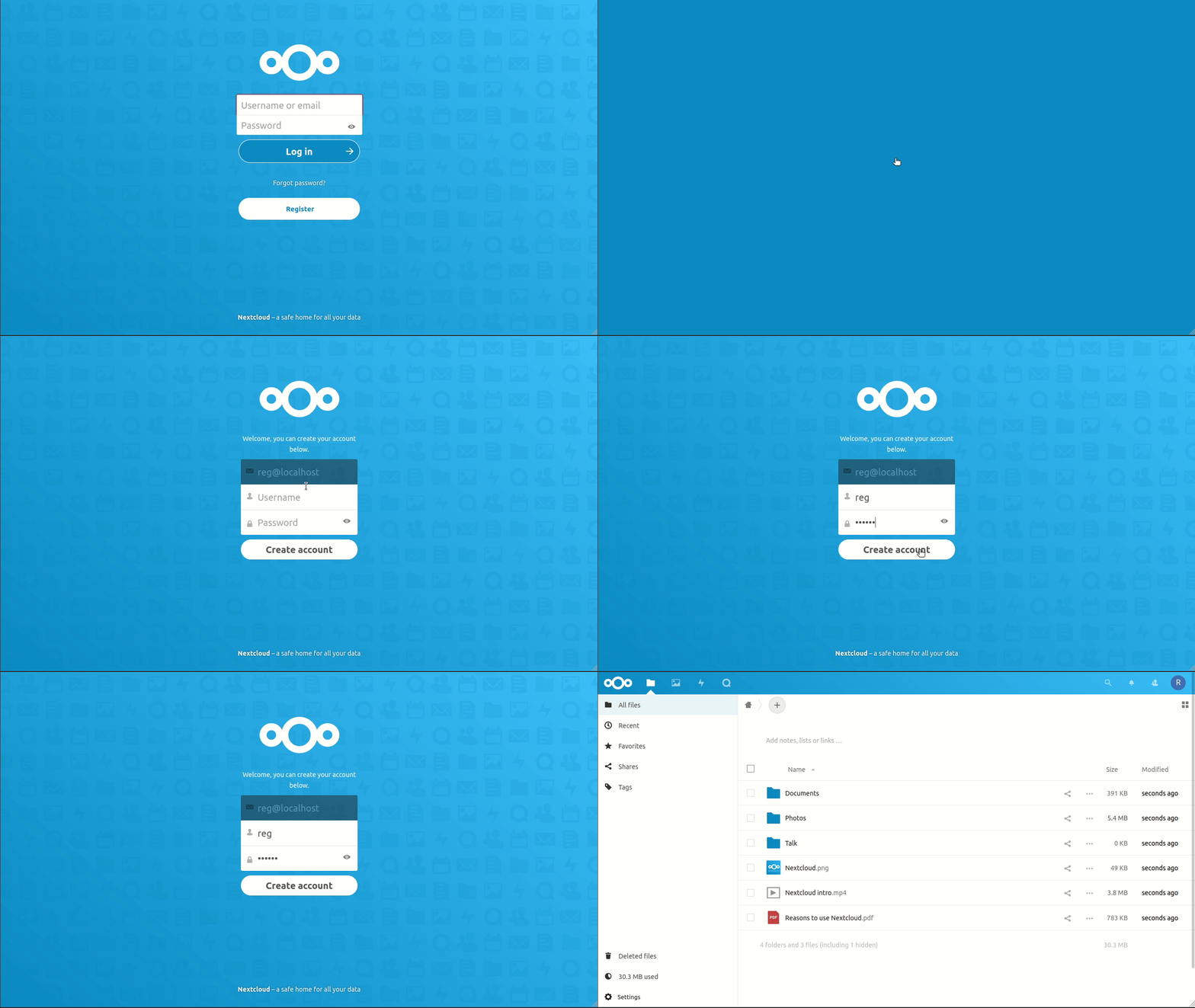
Web form registration flow
- User enters their email address
- Verification link is sent to the email address
- User clicks on the verification link
- User is lead to a form where they can choose their username and password
- New account is created and is logged in automatically
Donate
You can donate to Pellaeon the original author of the app:
- Send Ethereum to
0x941613eBB948C2C547cb957B55fEB2609fa6Fe66 - Send BTC to
33pStaSaf4sDUA8XBAHTq7ZDQpCVFQArxQ
FAQ
Q: A problem occurred sending email, please contact your administrator.
A: Your Nextcloud mail settings are incorrectly configured, please refer to the Nextcloud documentation.